
Overview
Usage tracking shows how a client is consuming their prepaid Balance, Credits, or monthly package minutes, in real time as calls complete.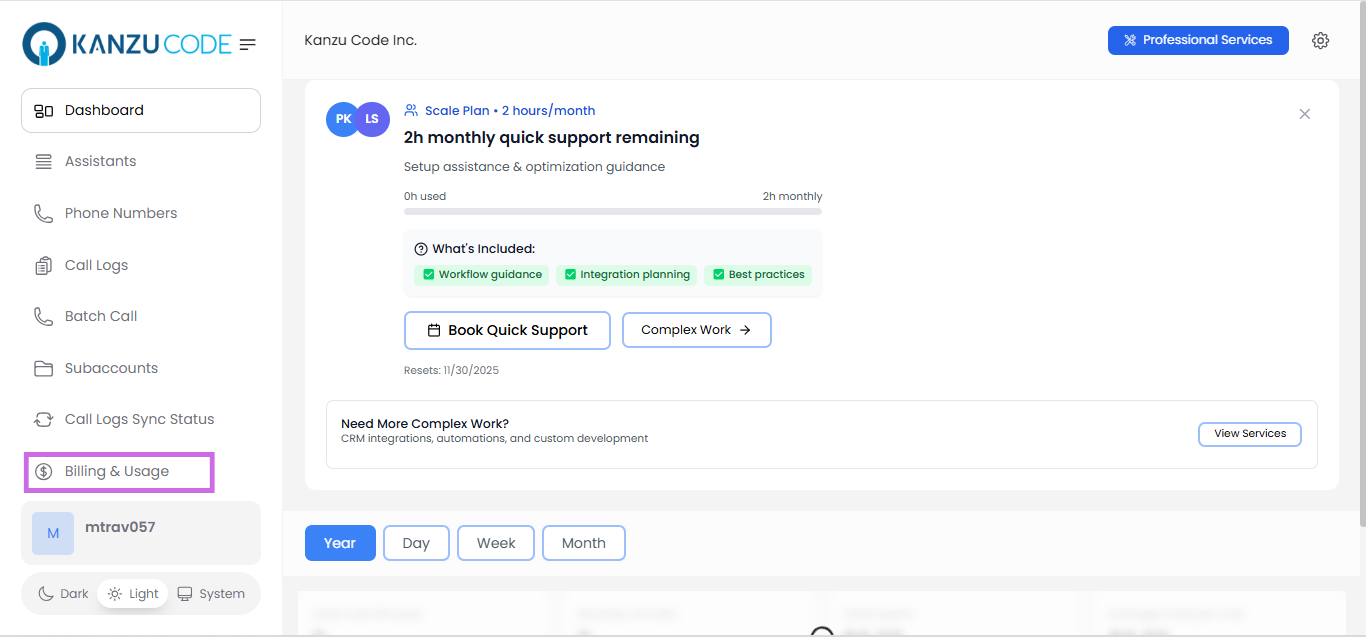
Common Tasks
Check a client’s current usage
Open the sub account’s Billing tab to see current Balance, Credits, and (if a monthly package is active) minutes used versus included minutes.Understand the usage dashboard
For per-minute billing, clients see their available Balance and Credits and a running total as calls complete. For package billing, clients see minutes used out of their included total (e.g., “187 / 200 minutes”) and any overage charges accrued once the limit is passed.Respond to low balance
Balance running low or reaching $0 triggers dashboard banners and (if configured) email alerts. See Notifications to adjust thresholds, or ask the client to top up, or add Credits yourself.Related Articles
- Wallet & Credits: how Balance and Credits are consumed
- Pricing Models: per-minute vs. package billing
- Notifications: configuring low-balance and usage alerts