
Overview
Set the price your client pays for the assistant you just assigned. Vapify supports per-minute billing, an optional monthly fee, and monthly packages. This page covers the two most common starting points.Prerequisites
- Assistant assigned
- Your provider’s per-minute cost for this assistant (check your provider dashboard)
Steps
1
Open the Billing tab
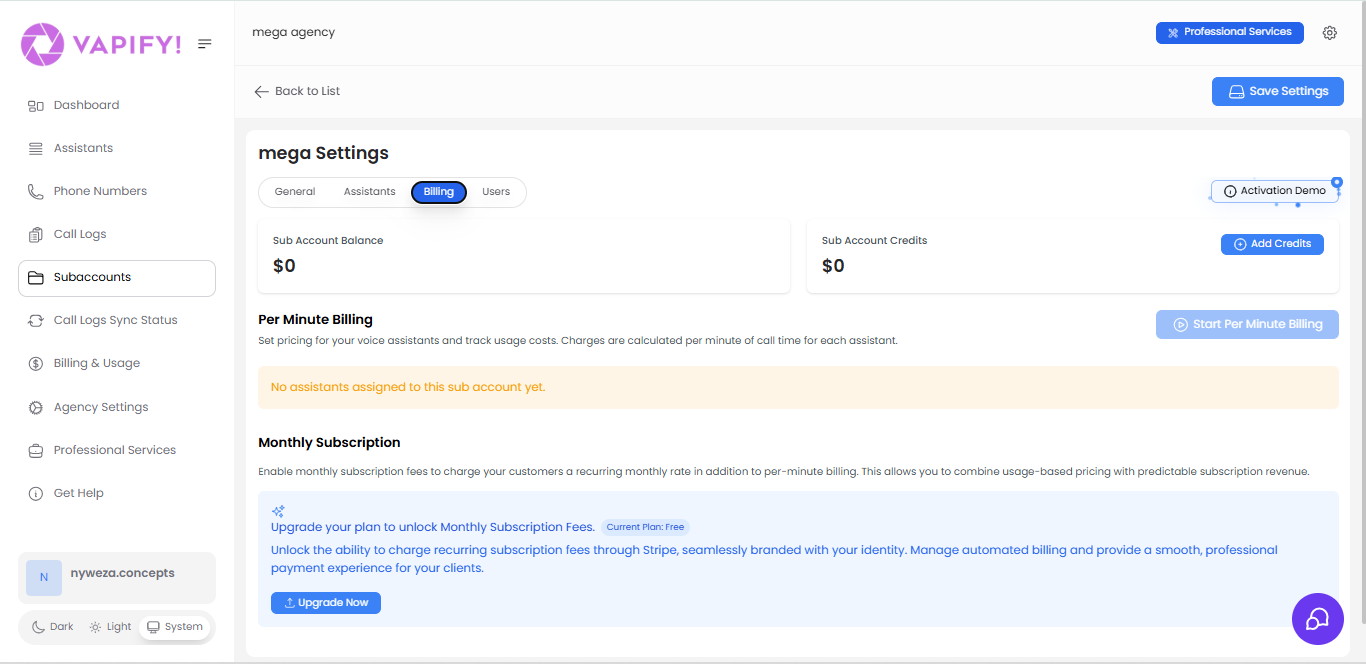
Open the sub account’s Billing tab.
2
Enable per-minute billing
Click Start Per Minute Billing if it isn’t already enabled.
3
Set the price per minute
For each assigned assistant, set the price per minute you’ll charge this client. Keep it higher than what your provider charges you — Vapify accepts a below-cost price, but flags the assistant for pricing review after any call that loses money.
4
Add a monthly fee (optional)
Optionally, set a Monthly Subscription Fee to add a fixed recurring charge on top of usage.
Related Articles
- Pricing Models: per-minute vs. monthly retainer vs. hybrid, in depth
- How Billing Works: the full money flow
- Wallet & Credits: how client Balance and Credits are consumed