
Overview
A user is a person with login access to a specific sub account — your client’s own staff. Every user belongs to a single sub account and holds a role (Administrator or Member) scoped to it. This is distinct from the agency owner (you), who manages the agency itself. User management in Vapify happens at the sub account level. Each sub account has its own Users tab listing everyone with access to it.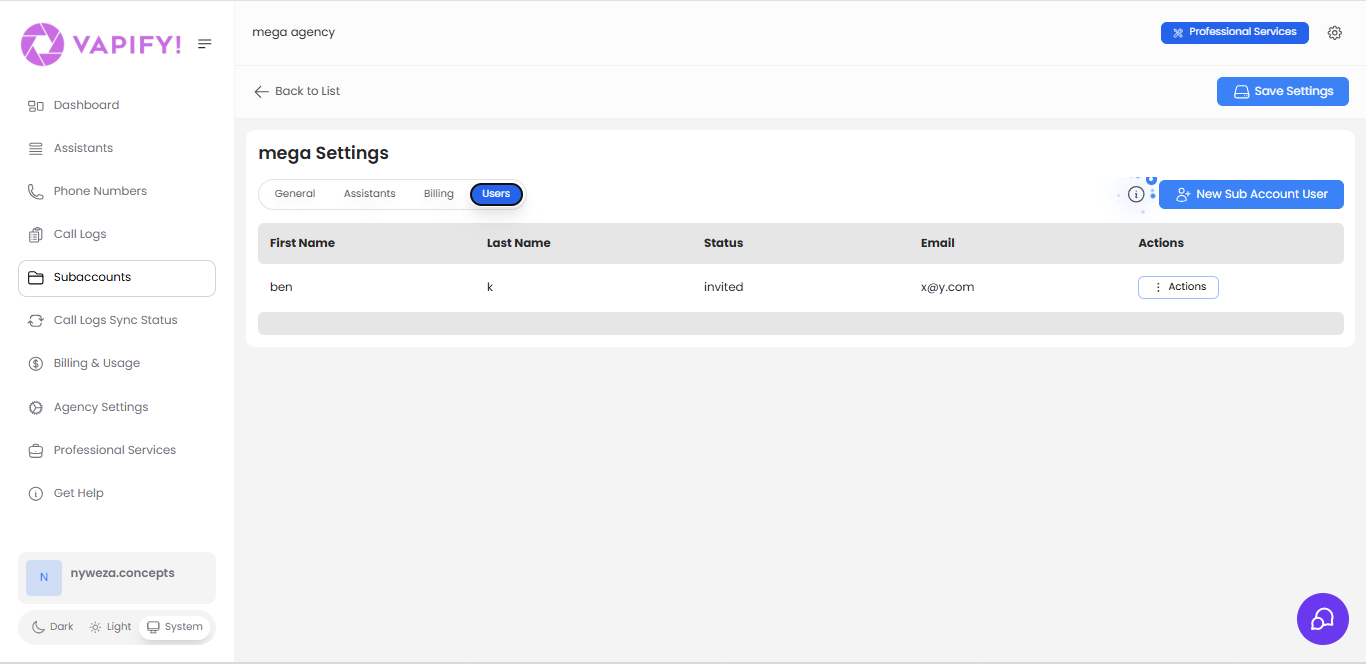
User table fields
User status reference
- Invited: sent an invitation, hasn’t activated yet
- Active: has activated and can access the sub account
- Inactive: access has been disabled
Related Articles
- Inviting Team Members: adding a new user
- Understanding Sub Accounts: where the Users tab lives