> ## Documentation Index
> Fetch the complete documentation index at: https://docs.vapify.agency/llms.txt
> Use this file to discover all available pages before exploring further.
# Create Your First Client
> Create a sub account for your first client and its primary user.
**Estimated time:** 3 minutes
## Overview
Create a dedicated sub account for your first client. This is where their assistants, users, and billing will live, isolated from every other client.
## Prerequisites
* [Stripe connected](/getting-started/connect-stripe)
* Your client's business name and their primary contact's name and email
## Steps
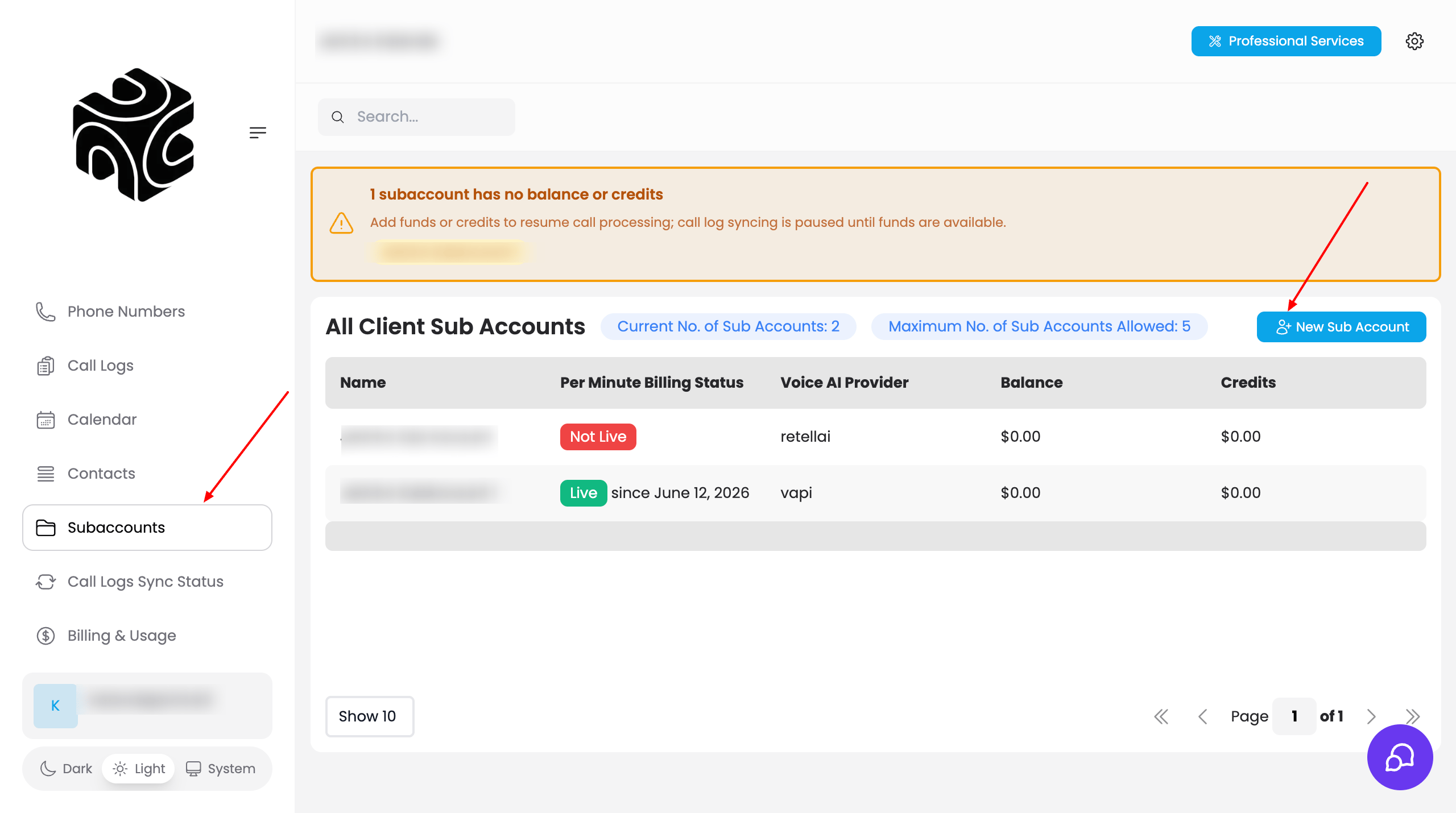
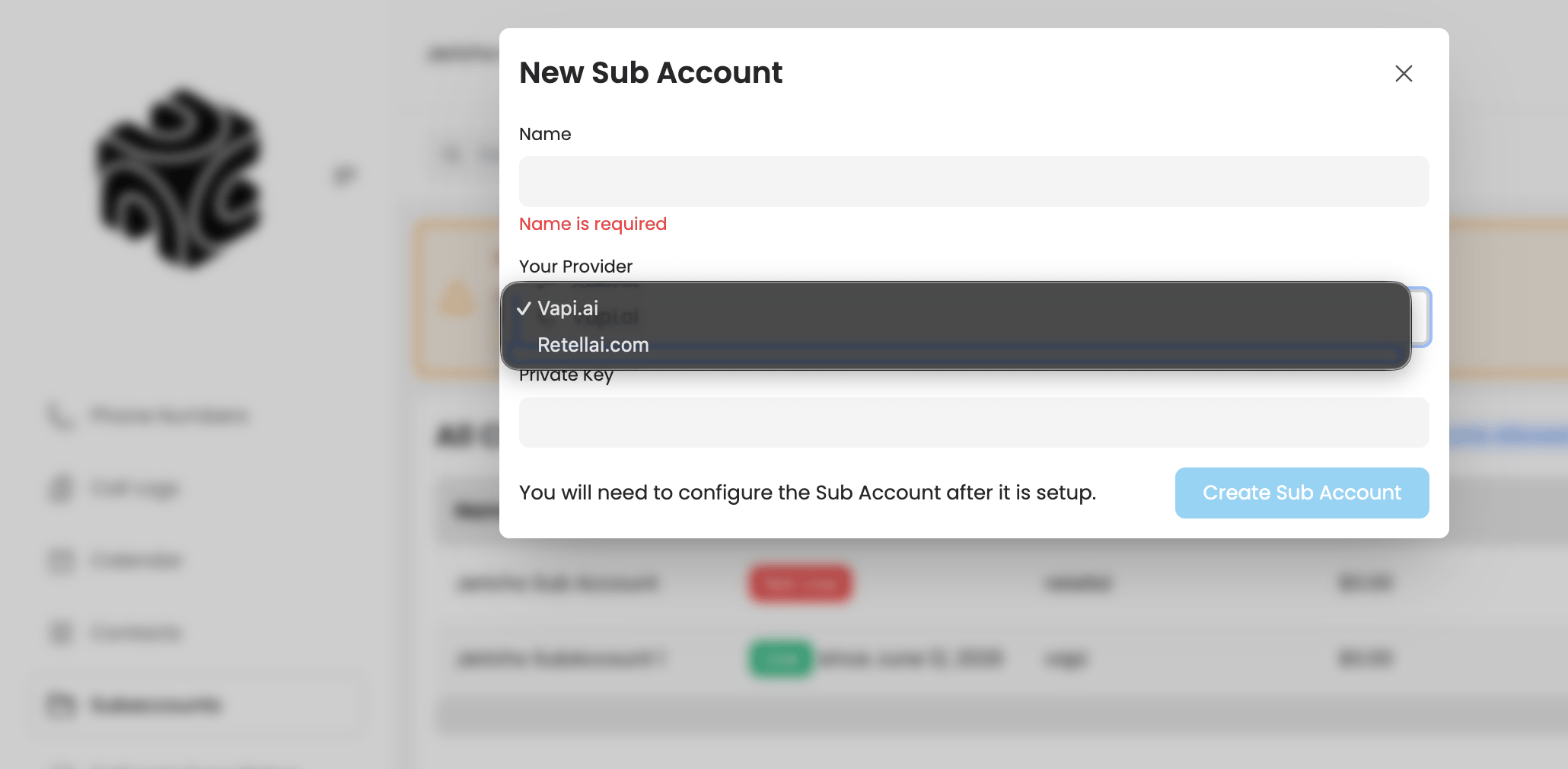
From the onboarding wizard's **Create Your First Client Sub Account** step (or later, **Subaccounts → New Sub Account**), enter the **Sub Account Name** — your client's business name (e.g., "Riverside Dental").
Enter the **Primary User Full Name** (your client's main administrator) and **Primary User Email** (where login credentials will be sent).
Enter a **Temporary Password** for their first login.
Click **Create Client**.
The temporary password is shown in plain text only once, on the next (Review & Launch) screen. Copy it before continuing. You cannot retrieve it later. Your client will be prompted to change it on first login.
Use your client's official registered business name. It appears throughout their dashboard and helps you tell clients apart as you scale.
## Video Tutorial
## Troubleshooting
* **Wrong email entered**: You can edit the primary user's email later from the sub account's **Users** tab.
## Related Articles
* [Understanding Sub Accounts](/running-your-agency/understanding-sub-accounts): what a sub account contains
* [Invite Your Client](/getting-started/invite-your-client): sharing credentials securely
* [Clients](/running-your-agency/clients): managing sub accounts day to day